Bruxel modules
Datasheets, certificates and drawings next to every product
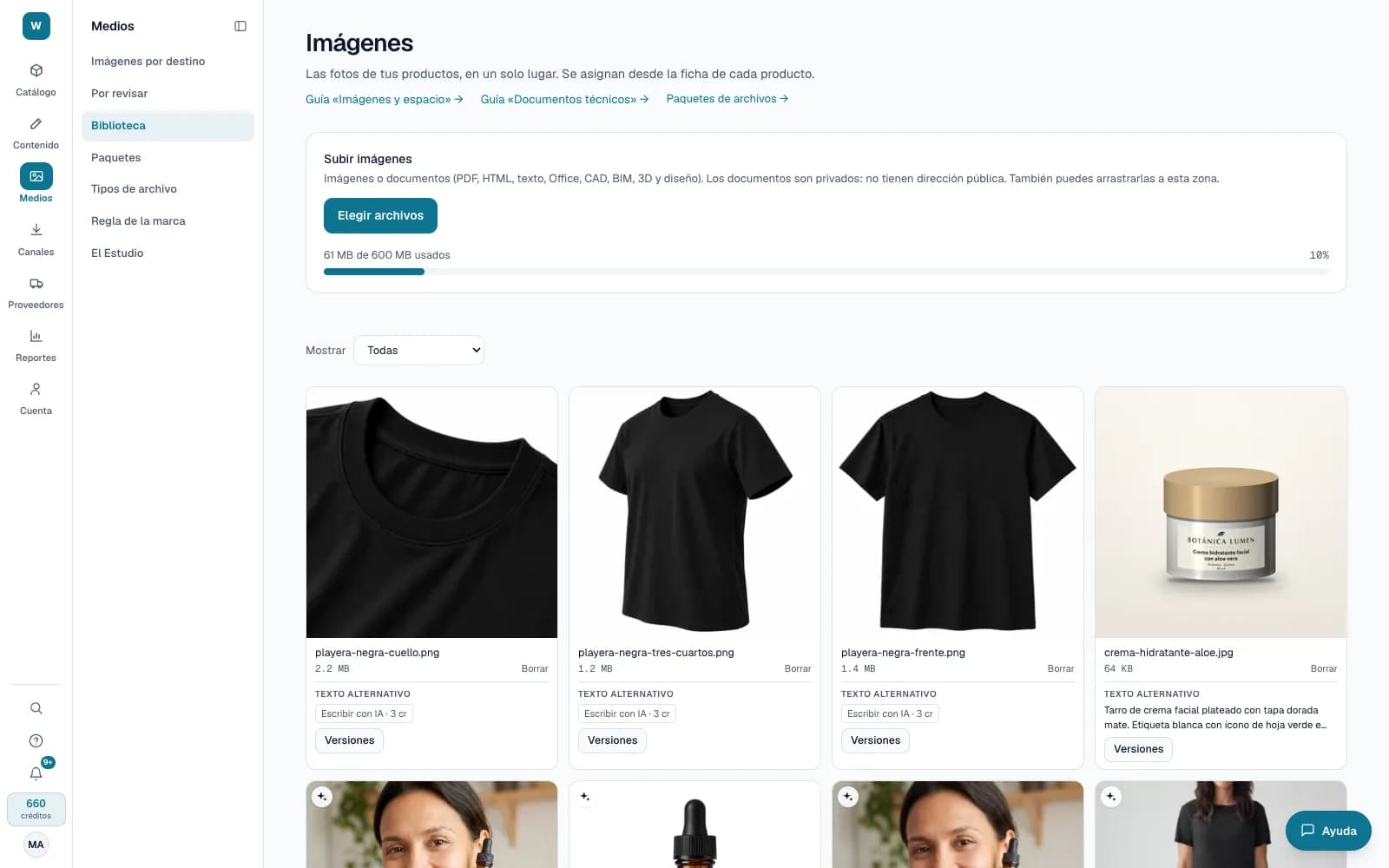
Each product's files live in the same library as its photos, with secure download, approved versions and alerts before something expires.
What it solves
Datasheets, certificates and packaging artwork are usually scattered across emails and folders, and nobody knows which version is current or when a registration expires. Bruxel keeps them next to the product and warns you in time.
- PDF, Office, CAD, BIM, 3D and design files, scanned for viruses and with no public address: they download through a link that lasts 5 minutes.
- Your own file types, with approval per version and an expiry date; and attribute dates that alert you in the notification bell before they expire.
- ZIP packages for many products, with the file names you are asked for and an index with the sha256 of every file.
What it looks like
Who it is for
- Manufacturers and distributors that deliver datasheets, manuals and certificates with every product.
- Categories with health registrations or certifications that expire.
- Anyone who assembles product dossiers for a tender, a retailer or a distributor.
What it needs
- Uploading a file and changing its type takes Editor or above; creating file types and package templates, an administrator.
- Documents count against your library storage, including in the trash until they are purged after 30 days.
- Marking a date as an expiry is done by an administrator. Alerts arrive in the notification bell, not by email.
Its guides
Technical documentsDatasheets, manuals, certificates, drawings and models next to each product: private, checked for viruses and with a secure download.Expiration alertsMark a date as an expiration —a health registration, a certificate— and Bruxel tells you how long it has left and warns you before it expires.File packagesDeliver the files of many products in a ZIP —for a tender, a retailer, a marketplace or a distributor— with the names they ask for and an index with each file's fingerprint.Compare versionsPut two versions of a file side by side, one over the other, or with a map of what changed, to review an artwork, a datasheet or a photo before approving it.
Read more: Versioned files: datasheets, certificates and packages in Bruxel