The Studio
Your products, on a model. No agency, no studio, no scheduling.
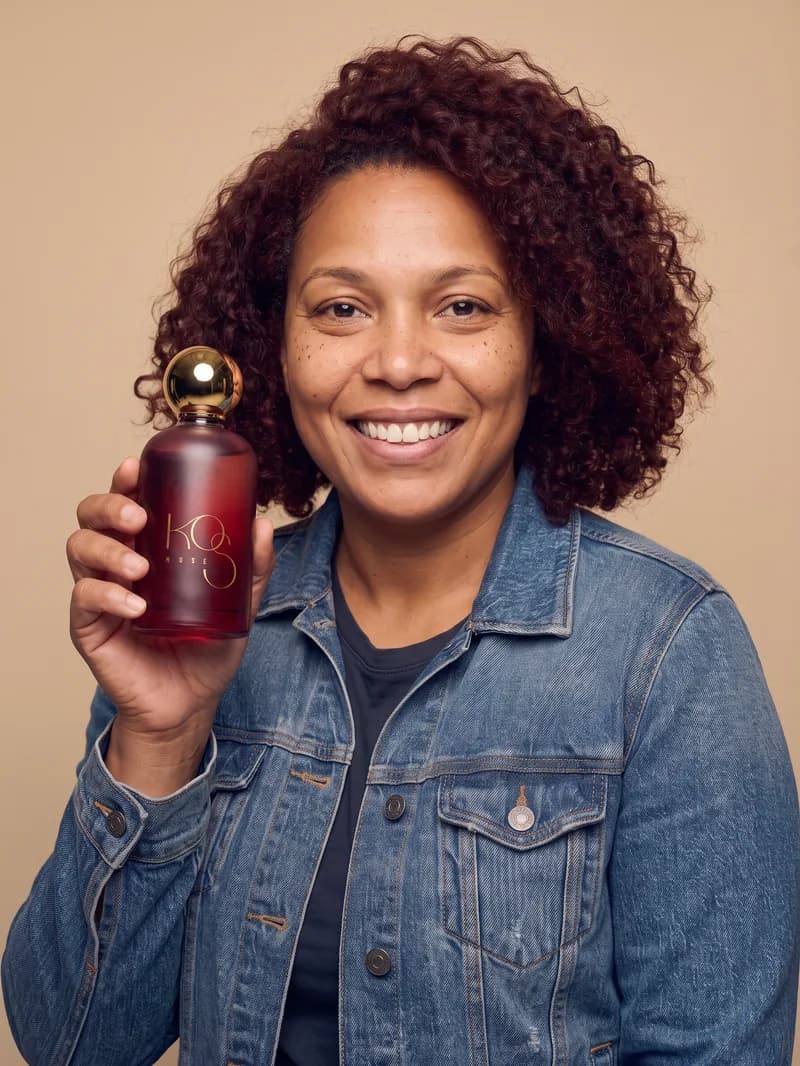
You create your model once by describing her. From then on she appears across your catalog, holding your product or wearing your clothing, always built from the real photos you already have.
This is not an image generator you describe a product to. It lives inside your catalog, starts from your photos, and returns files ready to publish, with the generated-content label marketplaces require.
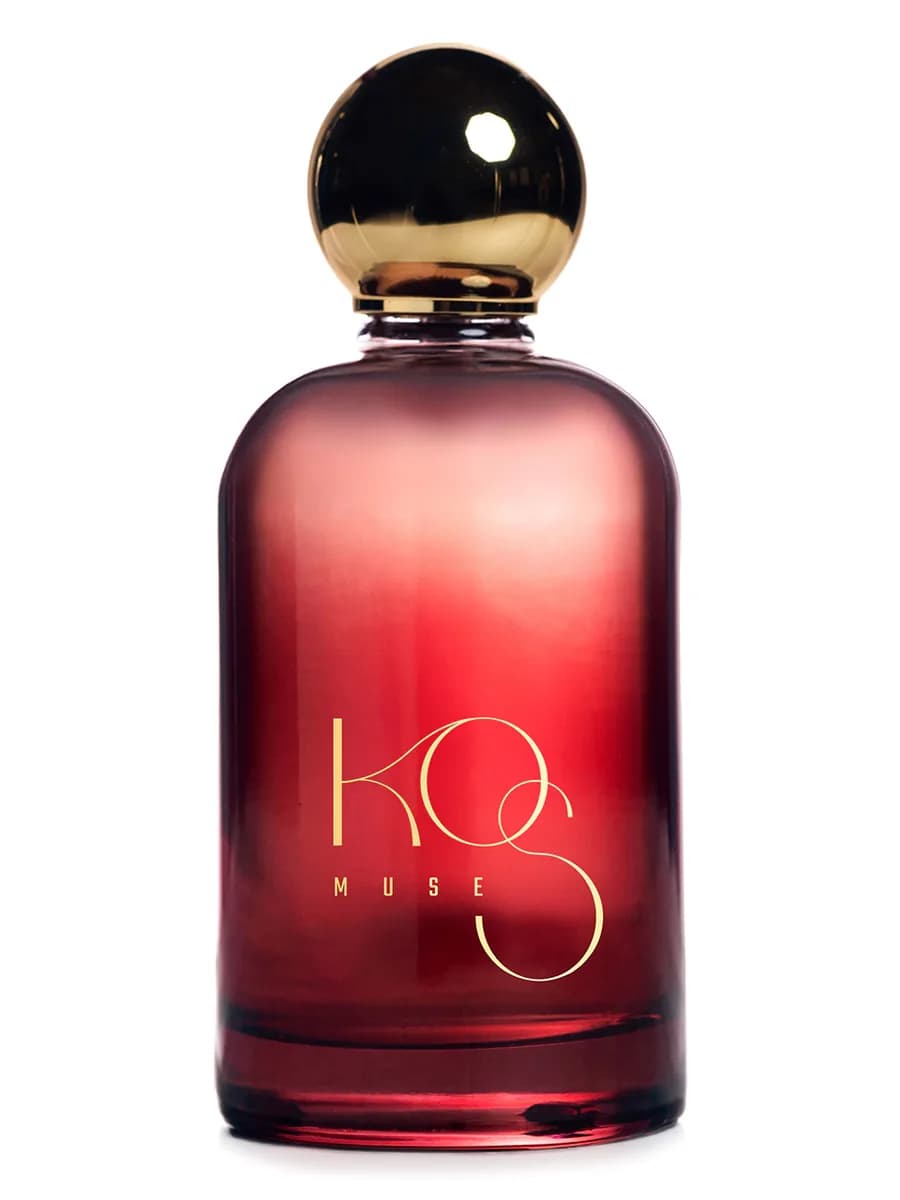
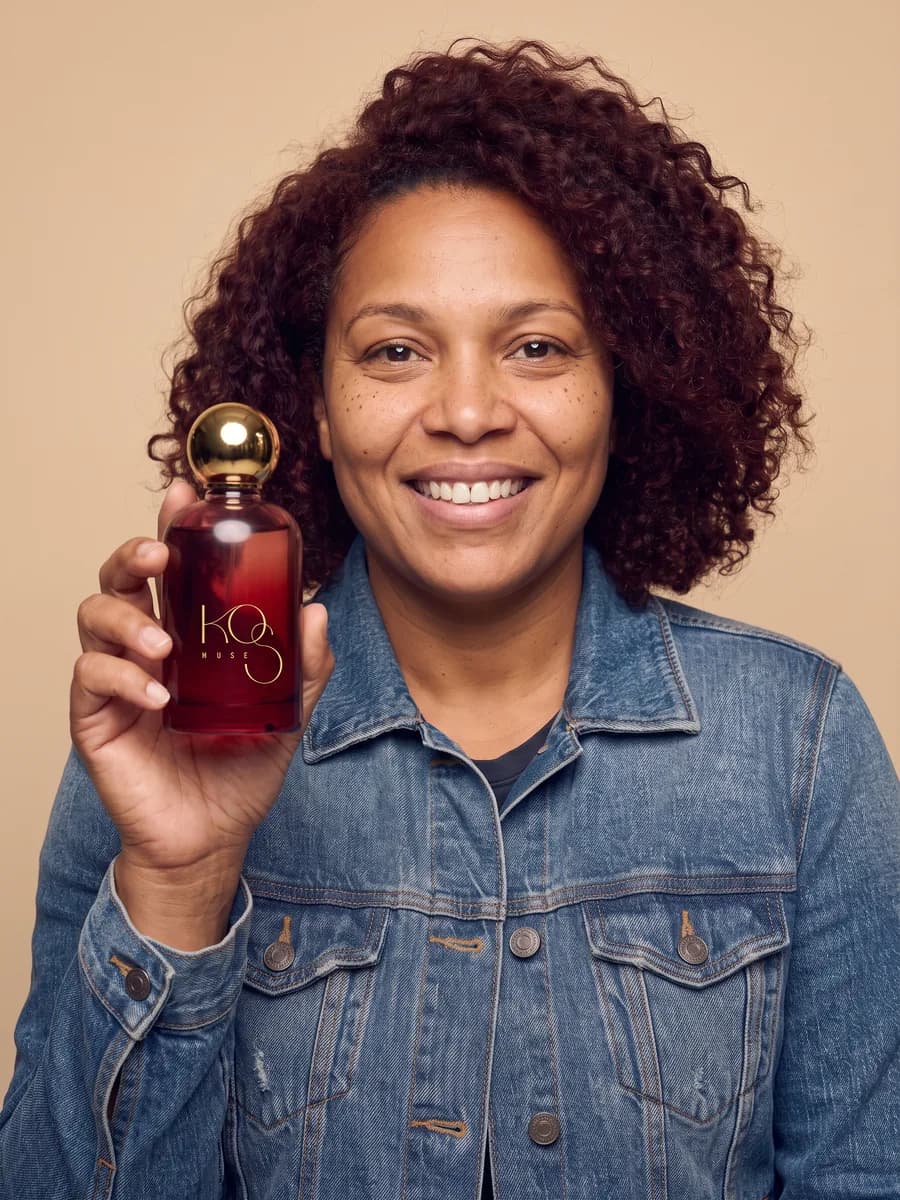 AI-generated
What a shoot costs today, and what it costs here
A photo shoot with a model is paid in thousands of dollars and scheduled in weeks: agency, studio, image rights, rescheduling if someone gets sick. That is why most catalogs shoot a fraction and the rest keeps the supplier's photo.
USD 3,000 to 8,000
One shoot with a model
Plus weeks of coordination between agency, studio and image rights. Per production, not per product.
10 credits
One photo in the Studio
The same as a description. The price shows on the button before you generate, and if something fails the credits come back.
1 model
For the whole catalog
The casting is paid once. After that the same person appears in as many photos as you want, at no extra cost for her.
The figures for a traditional shoot are market ranges, not a quote. What is exact is ours: the price in credits appears on the button before you generate.
How it works
Three steps, inside the same catalog where your products already live. Nothing to export, no second tool.
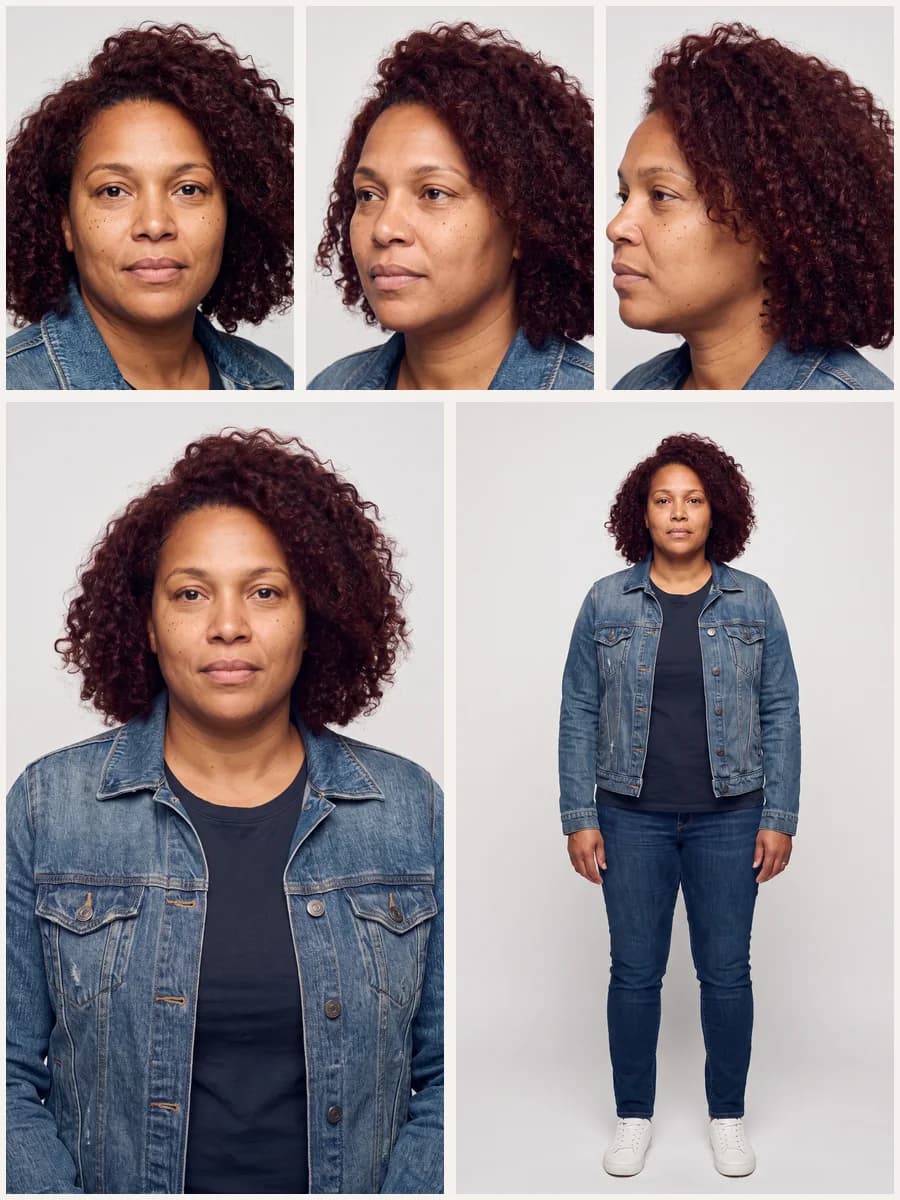 AI-generatedStep 1
Describe your model
Gender, apparent age, heritage, build, skin tone, hair and styling. Bruxel generates five views so you can review the face before accepting her. She is a fictional person: no one's photo is used as a starting point.
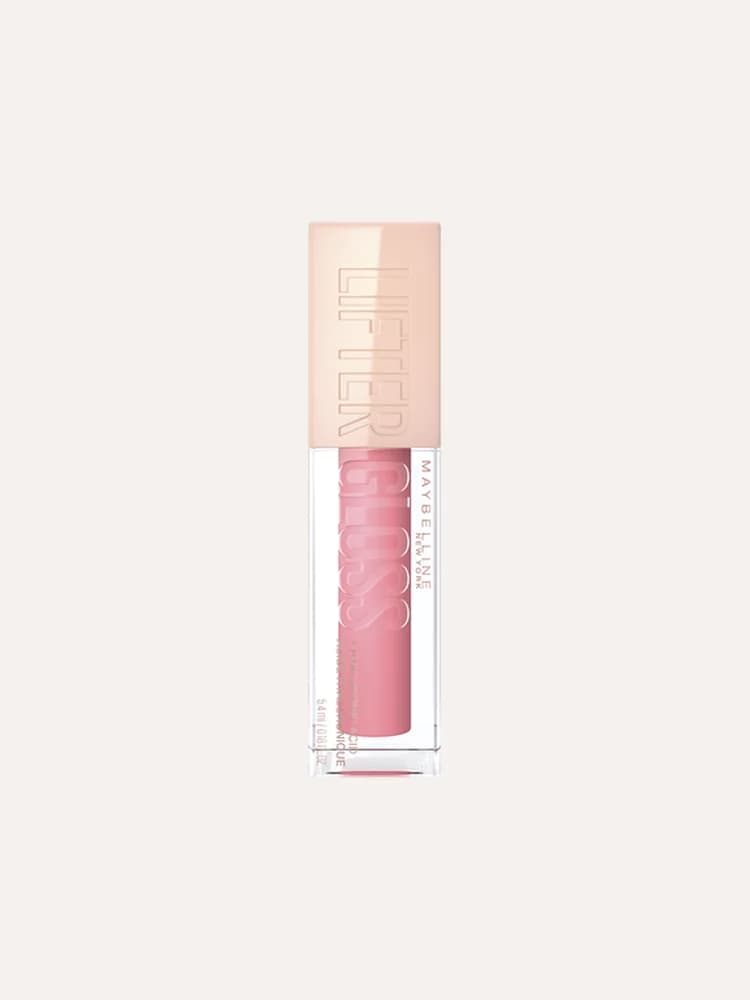 Step 2
Pick your real photos
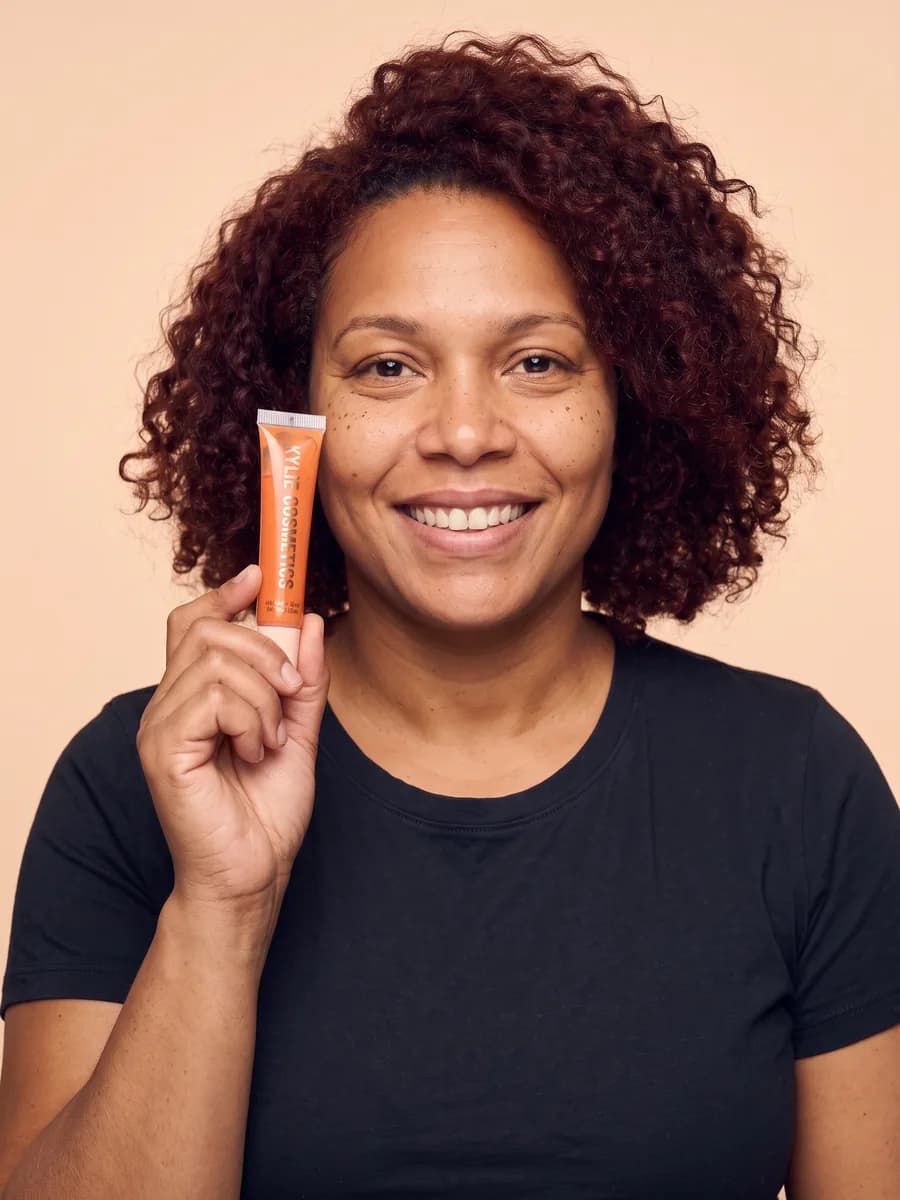
One to three photos of the product already in your catalog. That is where fidelity comes from: packaging, color and text are copied from your photo, not invented.
 AI-generatedStep 3
Generate and review
In under a minute you have the proposals. Keep the one that works and discard the rest; what you discard goes to the trash and is never charged again.
Clothing
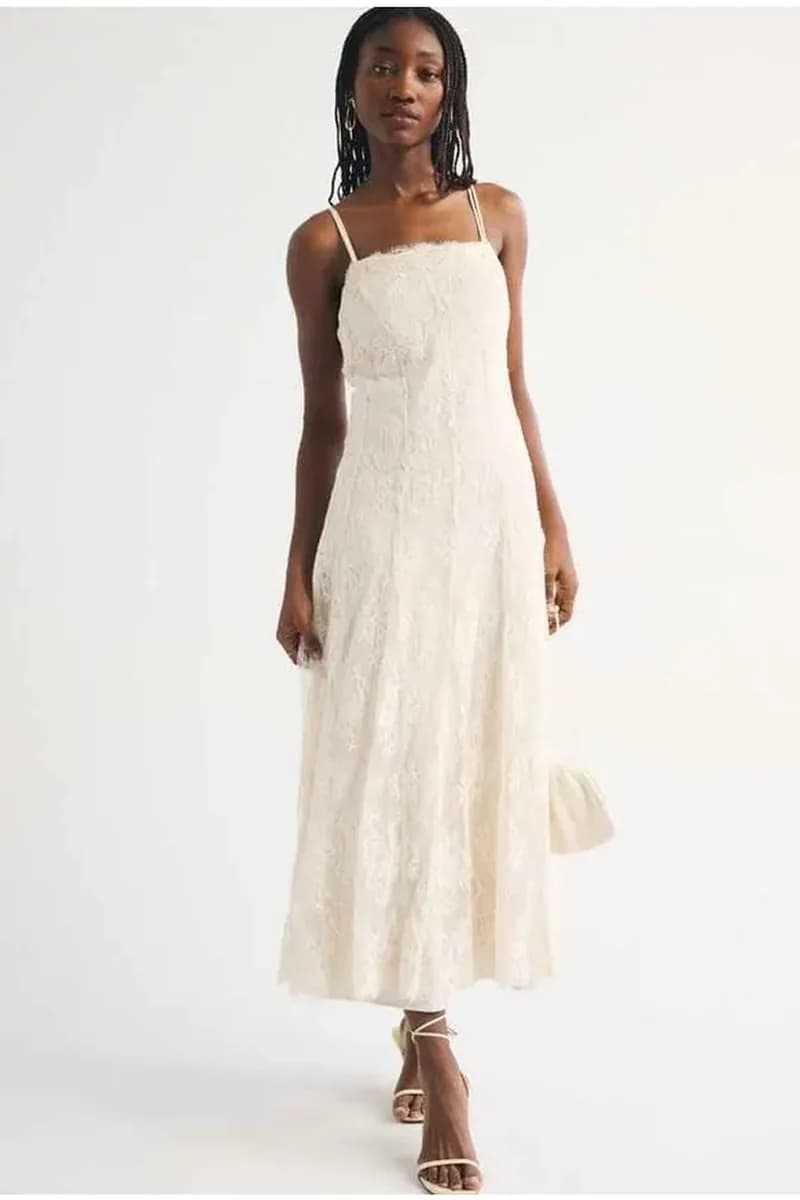
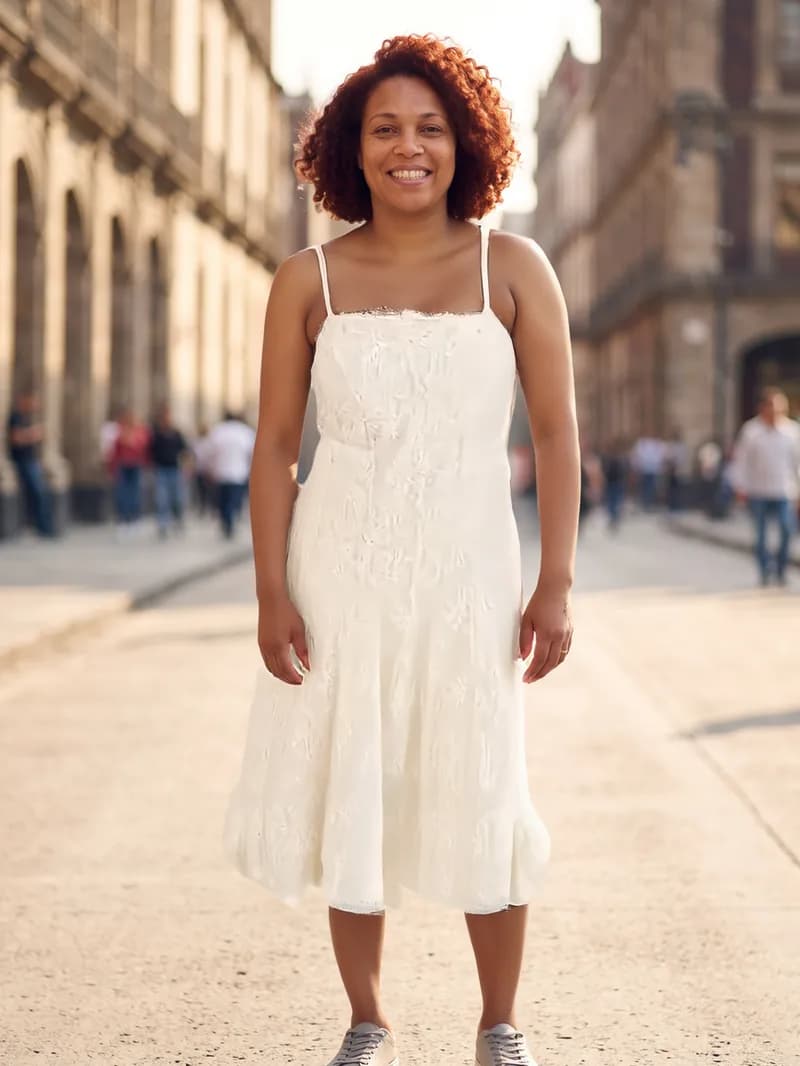
If you sell clothing, the model wears it
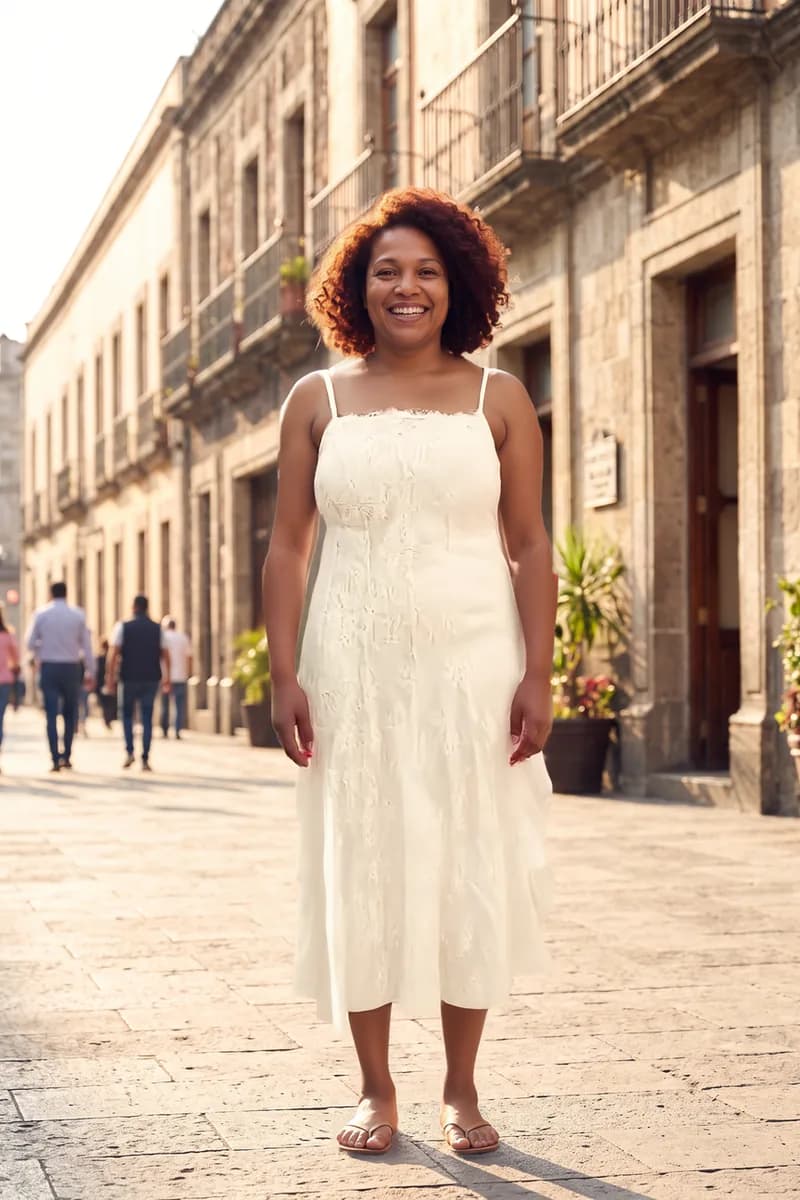
You choose between “Product”, where she holds or uses what you sell, and “Clothing”, where she wears it. The garment is transferred from your photo: the fabric, the print, the cut and the length are the real ones, not an interpretation.
- Print and cut are preserved, which is exactly where ordinary image generators fail.
- It works even if someone else is wearing the garment in your photo: only the garment is taken.
- You pick the scene and the model's expression for each photo: standing in studio, walking, smiling or serious.
 AI-generated
The same person across the whole catalog
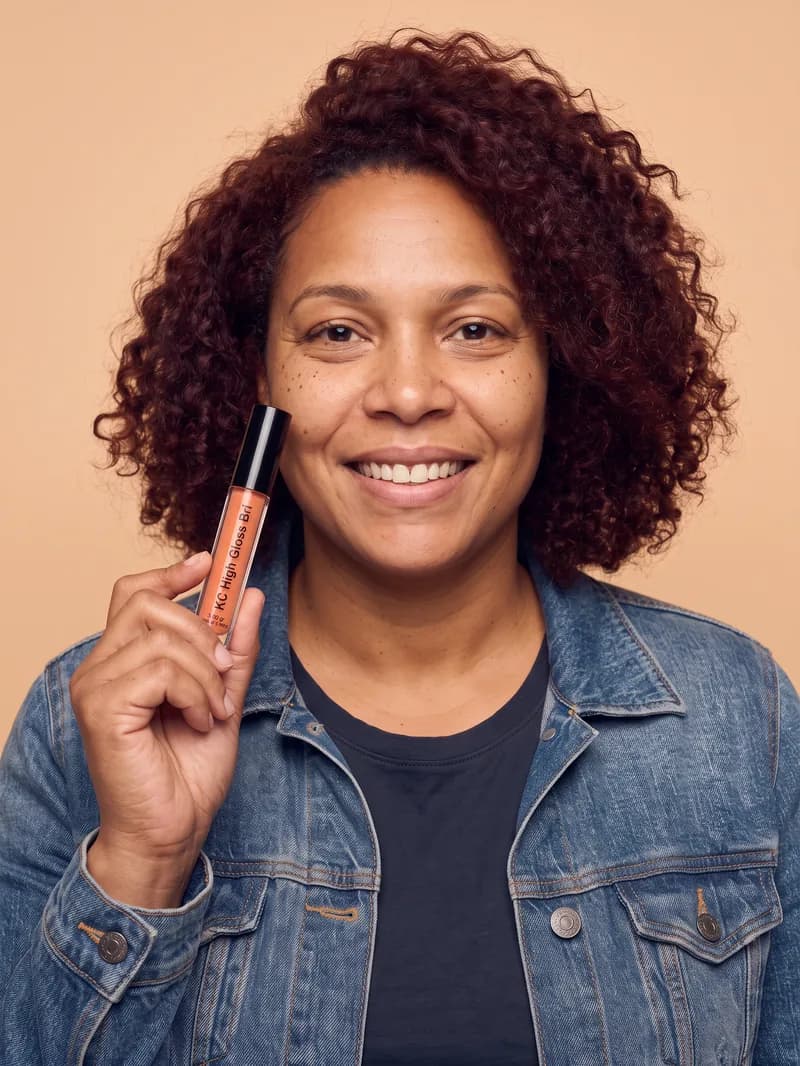
This is the difference between an image generator and a studio: here your model is one person, and she looks the same in product one and in product five hundred. A catalog with five different faces does not read as a brand.
 AI-generated
 AI-generated
 AI-generated
You can keep several models and pick which one each product uses, or generate photos for many products at once from the catalog.
Video
And the short clip for your channels
From an image you already saved, a five-second video in vertical or square, with the motion you ask for. Same flow, same catalog, same generated-content label.
What we disclose, without being asked
Publishing generated content has rules, and several platforms already enforce them. Bruxel meets them out of the box, in the file and in the app.
The main image comes from a real photo
A photo with a model is supporting material: your listing's main image always starts from a real photograph of the product. It is what marketplaces ask for and what keeps a buyer from feeling misled.
The models are fictional
They are described by casting, never built from a real person's photo, and the system rejects prompts asking to resemble someone identifiable.
The metadata travels inside the file
Every image ships with the digital source type that identifies generated content and, when a model appears, the synthetic-performer mark. This is the data Amazon and Google ask for on this kind of content.
You decide what gets published
Nothing ships on its own. Proposals land in your library and you choose which to keep, which to discard and which reach your store.
The full detail is on our transparency page.