Bruxel modules
When your ERP and your PLM disagree about the same product
Besides each attribute's master value, Bruxel stores what each of your systems says, so you see the differences without one overwriting the other.
What it solves
One weight in the ERP, another on the datasheet and another in the PLM: if each system writes over the previous one, you never know which is right. Here what a system reports doesn't change the master value until someone decides.
- On the product page, each reported attribute shows how many sources there are and whether they match, with each system's value and when it was seen.
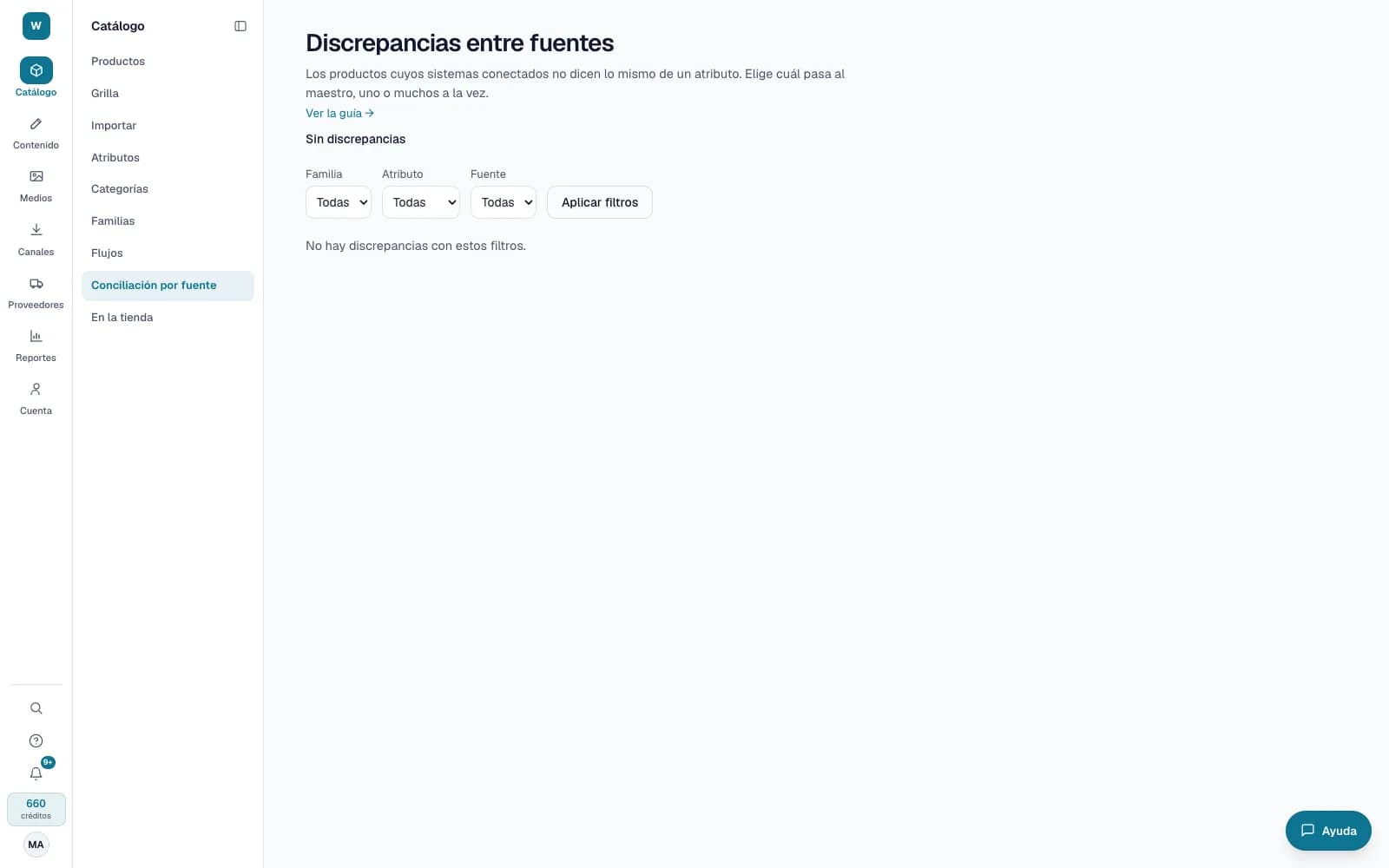
- A discrepancy queue with filters by family, attribute and source, to move one system's value to the master in bulk.
- A priority order per attribute: the highest-ranking system writes the master on its own, with its line in the history.
What it looks like
Who it is for
- Companies with an ERP, a PLM or other systems that report the same product data.
- Master data teams that decide which value is correct.
- Technology teams that integrate several systems through the API.
What it needs
- Each system reports through the public API with its own key and the attributes:write permission.
- Using a source's value takes Editor or above; setting the priority order, an administrator.
- It applies to text, number, measurement, date, yes/no and list attributes; not to multi-select lists.
Its guides
Read more: Source reconciliation: when your ERP and your spec sheet disagree