Bruxel modules
Roles, organizations and the security of every Bruxel account
Each person joins with a role that sets how much they can decide and how much they can spend, inside an organization that shares nothing with others.
What it solves
Giving the whole team the same access is risky: anyone could spend the balance or publish without review. Bruxel separates editing, spending and approving into different roles and records every relevant action.
- Five roles —viewer, editor, operator, administrator and owner—: an editor changes content without spending credits and an operator spends without approving.
- Isolated organizations, each with its own catalog, balance and team; if you belong to several, you switch between them with the selector.
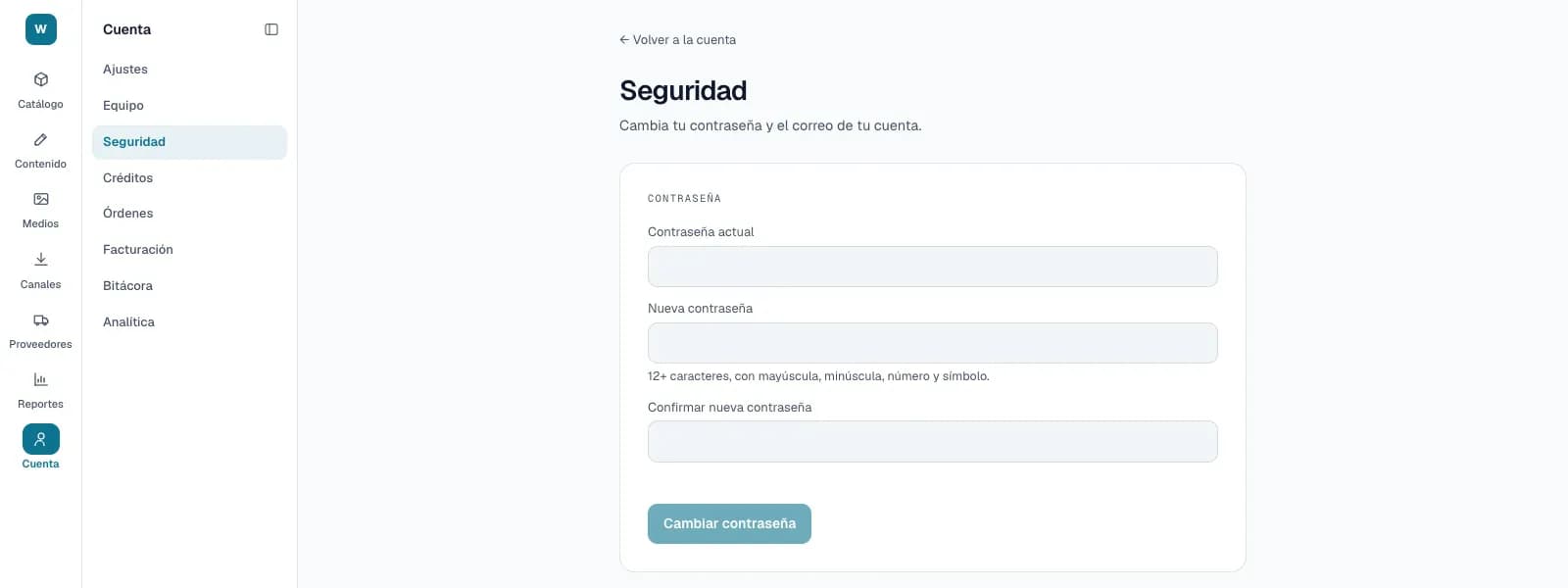
- Two-step verification with an authenticator app, passwords of at least 12 characters and an audit log you can filter by action and date.
What it looks like
Who it is for
- Organizations with several people who generate, review and publish content.
- People who work in more than one organization.
- Security teams that need to know who did what and when.
What it needs
- Inviting and removing people is for administrators or owners; only another owner can grant the owner role.
- The invitation is accepted with the same email it was sent to, and its link expires after 7 days.
- An organization always keeps at least one owner: removing the last one is rejected.
Its guides
TeamHow to add people to your organization and what each one can do based on their role.OrganizationsWhat an organization is, how you come to belong to several, how to switch between them, and what happens if you leave.Account securityPassword, two-step verification, sessions, the organization's audit log and API keys.
Read more: Team, permissions and security in Bruxel: who sees and who changes what