Bruxel modules
The Studio: model photos, main photo, video and 3D with AI
The Studio stages your product from your real photos: it doesn't invent the product, it shoots it with a fictional model or in a studio version.
What it solves
A photo shoot per product is expensive and slow, especially with catalogs that change every season. The Studio starts from the photos you already have and reuses the same models across the catalog, so your photos look consistent.
- Fictional models created by casting —apparent age, build, hair, look— with a five-view session to review them before accepting them.
- Model photos, including the model wearing the garment, and a studio main photo, with no people, derived from a real photo.
- Five-second video clips and 3D objects to spin the product. Every generated image carries the «Created with AI» label, in its metadata too.
What it looks like
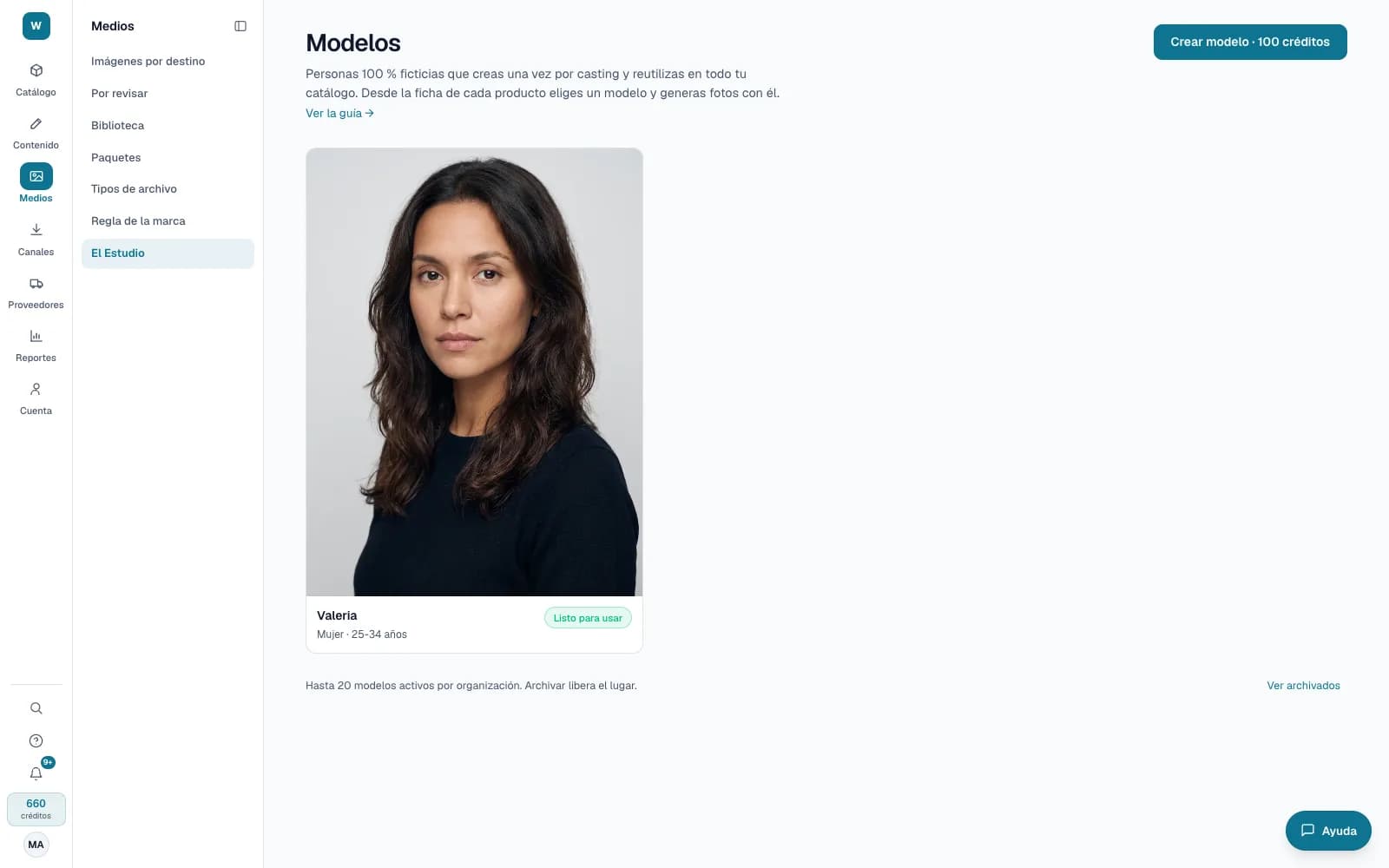
Who it is for
- Fashion, beauty and accessories brands that need model photos for many products.
- E-commerce teams that need a clean main photo from the photos they already have.
- Anyone who publishes on marketplaces and social media and has to disclose AI-generated content.
What it needs
- Credits, shown on the button before generating: creating a model, 100; model photo, 10; main photo, 5; short video, 50; 3D object, 75. If it fails, they are refunded.
- At least one real photo of the product. Creating and accepting models is for administrators; generating photos, Operator or above.
- The Studio is enabled per account: if you don't see it in the menu, ask support. Extended video and 3D objects are enabled separately.
Its guides
The Studio: AI models and photosHow to create a model, generate product photos with it or a main photo, make videos — five seconds or up to 30, with a script written by AI — review the proposals, and what label the images Bruxel generates carry.Studio videos and 3D objectsHow to make a video of your product —five seconds or up to 30—, how to get your model into a long video, how AI helps with the script, and how to turn your photos into a 3D object people can rotate.
Read more: The Bruxel Studio: AI photos, video and 3D of your product