Bruxel modules
A portal where your suppliers enter their own products
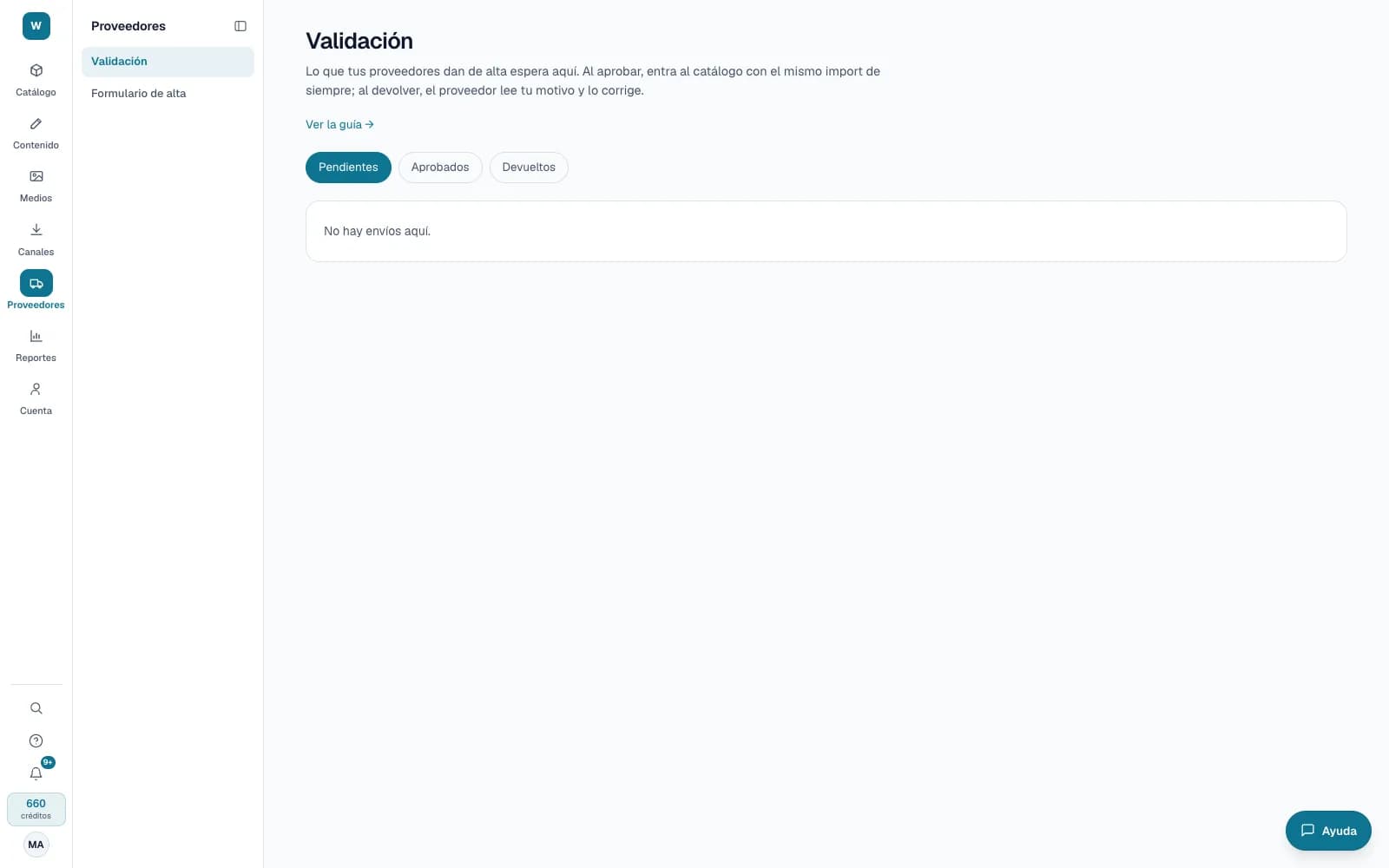
Your suppliers join your organization with a short menu and only see their brands. They enter data, send it for validation and you decide what gets in.
What it solves
Receiving new products by email and in different spreadsheets forces your team to enter everything again. With the portal, the supplier fills in their part, following your catalog's rules, and you review before it exists in your catalog.
- Brand-scoped access: the supplier sees and edits only the products of their brands, with no credits, channels or other suppliers.
- A step-by-step sign-up built from your attribute groups, or a multi-product upload with the Excel template, up to 5,000 rows.
- Validation to approve or return with a reason, and a comment thread with the supplier kept apart from the internal one.
What it looks like
Who it is for
- Retailers and distributors that receive new products from many suppliers.
- Purchasing and master data teams that re-enter new products by hand today.
- Organizations that want to limit a team member to certain categories, families or attribute groups.
What it needs
- Inviting and scoping a person is for administrators; approving a submission, Operator or above. Suppliers don't spend credits.
- Attribute groups marked «Filled in by the supplier»: without any, suppliers don't write attributes.
- Products with a brand: the brand is what defines each supplier's scope.
Its guides
Supplier portalHow to invite a supplier to capture and maintain only the products of their brands, and what they see when they sign in.Product onboarding formHow the product onboarding form for your suppliers is built: the steps, the settings and where each piece of data comes from.Supplier bulk uploadHow to download your department's template in Excel, fill it in with your products and their variants, review it and send it for validation.Scopes: what each person sees and writesHow to limit a reader or an editor to part of the catalog, and to the attributes of their groups.
Read more: The Bruxel supplier portal: onboarding, bulk upload and validation