Bruxel modules
A file ready for every store, marketplace or ERP you sell through
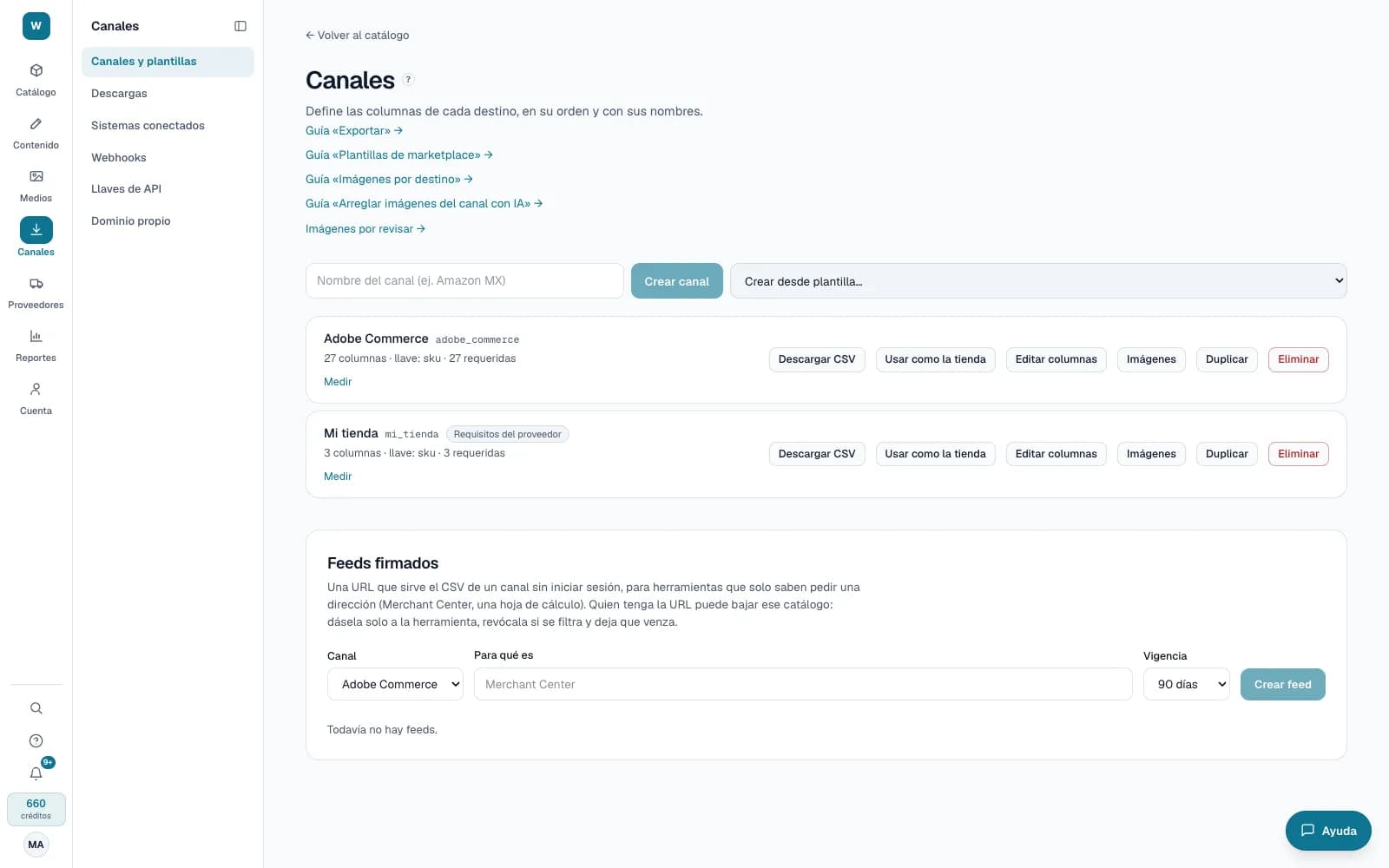
A channel stores how each destination wants its file. You set it up once and every export comes out ready, with what each product is missing in plain sight.
What it solves
Every store, marketplace or ERP asks for its own file, and rebuilding it by hand for each upload leaves empty cells that some destinations read as deleting the data. Bruxel tells you beforehand which products come out complete.
- Templates for Adobe Commerce, Walmart México and Mercado Libre, or a generic channel with the columns you name, and per-channel option values (“Rojo” goes out as “Red”).
- “Measure” and the Channels section of the product page show which required columns each product is missing; “complete rows only” leaves the incomplete ones out.
- In the store shows how the product page would look with what the channel would receive, and a signed feed serves the CSV to tools that can't sign in.
What it looks like
Who it is for
- Teams that feed several stores, marketplaces or an ERP from the same catalog.
- Marketplace managers who need to know what is missing before uploading the file.
- Stores that import CSV and don't want to rebuild columns on every upload.
What it needs
- Exporting costs no credits: the cost is in generating the content.
- Defining channels and downloading take the Operator role or above; creating a signed feed, an administrator.
- Price, stock, shipping and each marketplace category's attributes don't come from Bruxel: you enter them on the marketplace.
Its guides
ExportPick which columns to export and download your catalog as CSV: full, per language, per batch, or in the format each destination expects.Marketplace templatesCreate a channel with the columns of Walmart Mexico or Mercado Libre and check, before uploading the file, that your content meets what each one asks for.In the storeHow a product’s page would look in your store, built from what your channel would receive from Bruxel.
Read more: Channels and marketplace templates in Bruxel: one ready file per destination