Bruxel modules
Every product photo in the format each marketplace asks for
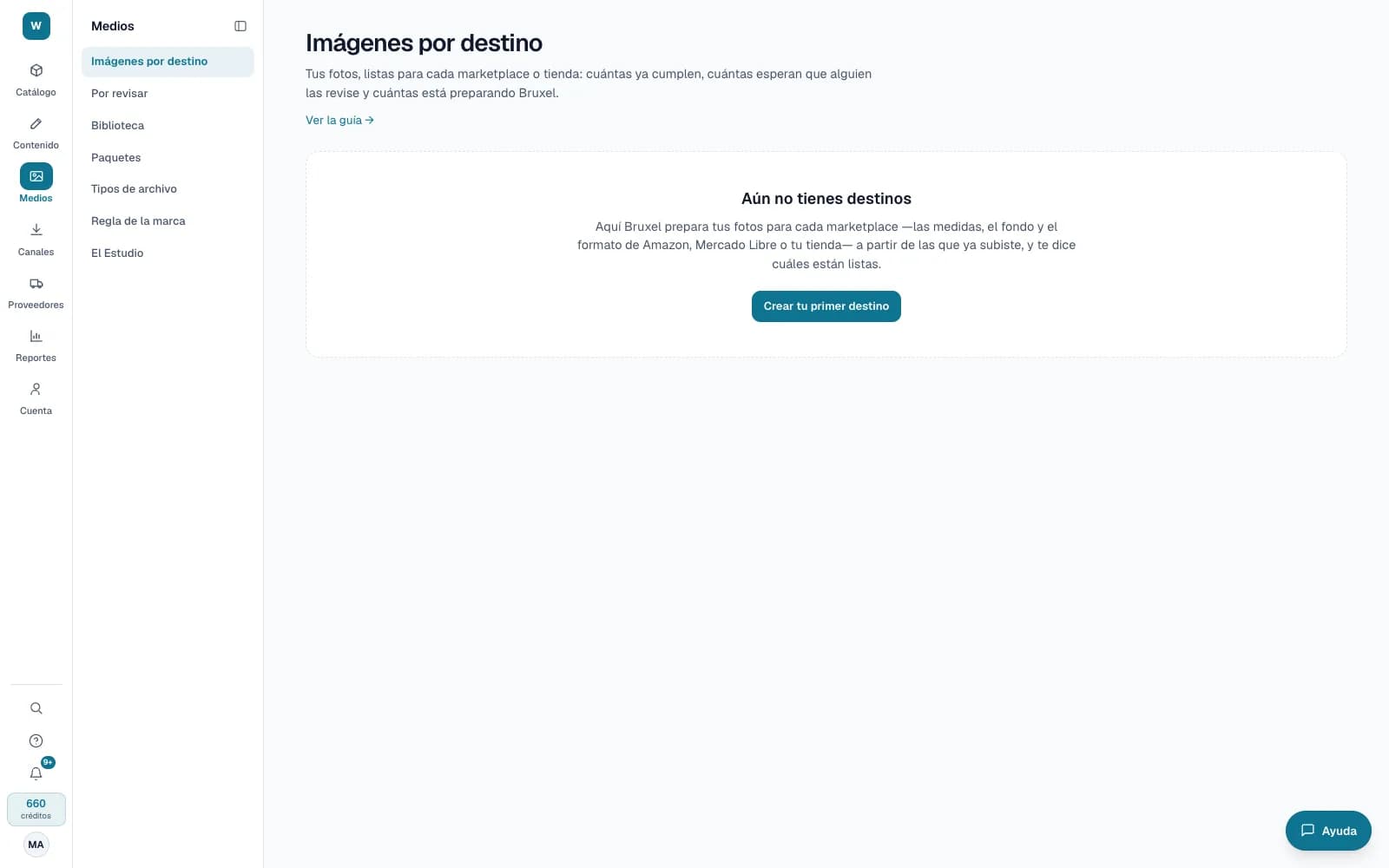
You pick the destination and the products, test with five, and Bruxel prepares the rest in the background. Your original photos stay as you uploaded them.
What it solves
Every marketplace wants its images its own way, and adapting them by hand product by product eats up weeks. Here you define the formats once and Bruxel keeps them up to date: if a photo or a format changes, it regenerates only what changed.
- Templates for Amazon, Mercado Libre, Walmart México, Liverpool, Shopify, Google Merchant Center, Meta or a generic square, with formats you can edit.
- Your brand rule, written in your own words (“never crop the sole”), decides the crop, the margin and the background when the channel doesn't set them.
- What Bruxel can't guarantee goes to “To review” with its reason, and doesn't go out to any destination until someone approves it.
What it looks like
Who it is for
- Brands and retailers that sell the same catalog on several marketplaces.
- Visual content teams that crop and rename photos by hand today.
- Anyone who delivers images in a channel's CSV, in a ZIP or through the API.
What it needs
- Photos of your products in the library: Bruxel doesn't invent pixels, and a photo smaller than the format's minimum doesn't comply.
- Generating a destination's images costs no credits. Library storage includes a free allowance and grows in monthly blocks.
- Creating destinations and generating takes an operator or an administrator; approving or rejecting what is to review, an editor.
Its guides
Images by destinationEvery marketplace wants its photos its own way: size, aspect ratio, background, weight and name. In “Media” → “Images by destination” you choose where to and which products, test with 5, and Bruxel prepares the rest from your photos, shows you the progress and lets you know when it's done.Fix channel images with AIWhat Bruxel can't solve on its own in a channel image — picking the subject, a fine cutout, expanding the canvas, increasing the resolution or reviewing it — can be handed to an AI. It costs credits and you always see how many before you ask.Images and storageHow to upload your product photos, assign them, and how the storage you buy works.
Read more: Images by destination in Bruxel: one photo, each marketplace's format